
KOVE Self Service: connect your tools from the chat
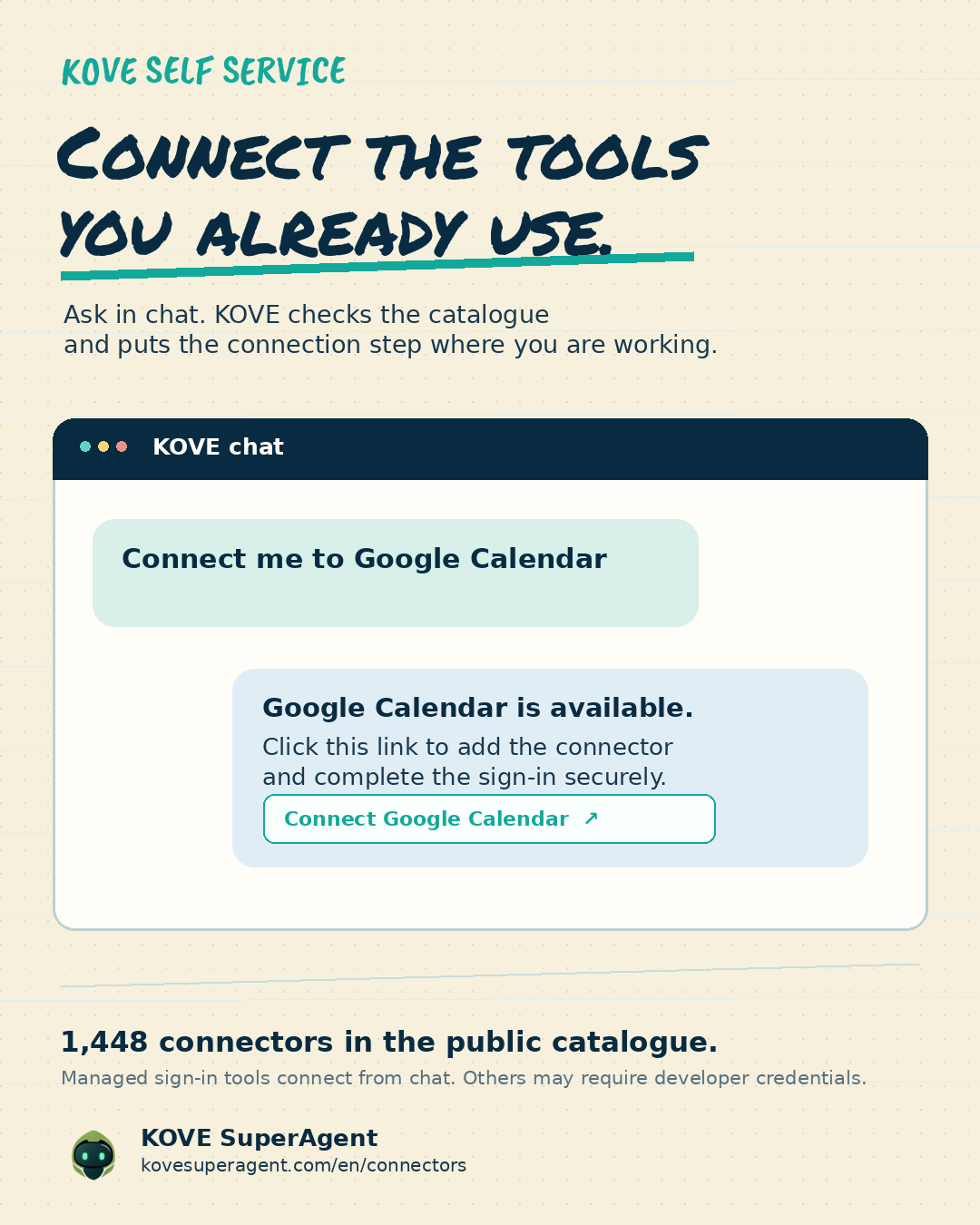
KOVE Self Service lets you ask from chat to connect the tools you already use. When a tool supports managed sign-in, KOVE checks the catalogue and sends the connection link directly into the conversation.
Start with the tools already in your day
Work rarely happens in one application. A calendar holds availability, an inbox holds open threads, a booking tool holds meeting links, and a social account may hold the next conversation. KOVE Self Service gives you a simple starting point: ask in chat to connect the tool you need.
Ask KOVE to make the connection
The request can be straightforward: “Connect me to Google Calendar”, “Connect me to LinkedIn”, or “Connect me to Calendly”. KOVE checks the connectors catalogue. If the tool supports managed sign-in, it returns a connection link in the conversation so you can authorize it with the provider.
A catalogue built for discovery
The public KOVE catalogue lets you browse connectors across communication, productivity, CRM, calendars, documents and marketing tools. You can search by name or category before asking KOVE to connect a tool.
Clear limits, clear control
Not every service is self-service yet. Some tools need your own developer credentials, and KOVE tells you that before you continue. A connection also does not give an agent unlimited permission: available actions depend on the configured capability, the connected account and the approval required for external changes.
Explore the connectors catalogue
Browse the catalogue at kovesuperagent.com/en/connectors, then start with the tool that would remove the most friction from your day.